
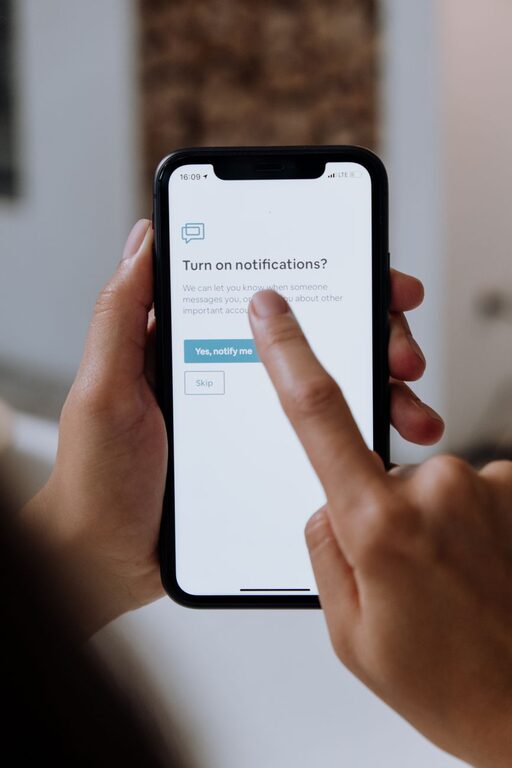
In today’s digital world, notifications are constant companions. From emails and social media alerts to messaging apps and calendar reminders, we’re bombarded with pings vying for our attention. While these notifications can be helpful, they often pull us away from important tasks, interrupt our focus, and increase stress.
Setting boundaries with notifications is essential for maintaining productivity and mental well-being. This post explores practical steps you can take to manage notifications effectively without missing out on what matters.
Why Setting Boundaries with Notifications Matters
Notifications are designed to get your attention, but they don’t always respect your priorities. Constant interruptions can:
– Break concentration and workflow
– Increase feelings of overwhelm
– Reduce productivity over time
– Impair your ability to relax after work
By managing notifications carefully, you can reclaim control over your attention and foster healthier habits around digital device usage.
Tips for Setting Boundaries with Notifications
1. Audit Your Notifications Regularly
Start by reviewing all the apps and services that send you notifications. Ask:
– Which notifications are truly important?
– Which alerts can be silenced, delayed, or eliminated?
Take time to adjust settings so you only receive notifications that support your goals and daily tasks.
2. Use Do Not Disturb Modes Effectively
Most smartphones and computers have “Do Not Disturb” (DND) or Focus modes. Use these to:
– Block all notifications during focused work sessions
– Allow only calls or messages from select people
– Schedule automatic activation during meetings or rest periods
This helps reduce distractions without needing to turn off notifications completely.
3. Customize Notification Settings Per App
Instead of a one-size-fits-all approach, customize how each app notifies you. For example:
– Turn off sound or vibration for less urgent apps
– Set email notifications to appear only for priority contacts or topics
– Limit social media alerts to once or twice a day through summary notifications
Tailoring alerts helps keep interruptions relevant and manageable.
4. Establish Notification-Free Zones and Times
Designate physical or temporal spaces where notifications are off-limits, such as:
– During meals or family time
– In the bedroom or while winding down before bed
– For a set period each morning or afternoon dedicated to deep work
Creating boundaries fosters better focus and healthier tech habits.
5. Turn Off Non-Essential Push Notifications
Push notifications pop up immediately on your device’s screen. While some are useful, many are unnecessary. Disable push notifications for apps like games, promotional offers, or news alerts unless you find them truly valuable.
6. Check Notifications in Batches
Instead of responding instantly, build a routine to check notifications at certain times, such as:
– Every hour or two during the workday
– After completing a major task
– Once in the morning and once in the evening
Batching helps reduce the stress of constant interruptions and increases efficiency.
7. Communicate Your Notification Preferences
If you work in a team or live with others, let them know your preferred communication methods and times. For example:
– Ask colleagues to email you unless urgent
– Use status updates on messaging apps to signal when you’re unavailable
– Set expectations around response times
Clear communication can reduce unnecessary pings and misunderstandings.
8. Use Technology to Your Advantage
Consider apps and tools designed to support notification management, such as:
– Focus apps that block distracting notifications temporarily
– Email clients that prioritize important messages
– Automation tools that filter and route notifications
Leveraging technology smartly can enhance your control over alerts.
Benefits of Setting Notification Boundaries
Applying these strategies can lead to significant improvements:
– Enhanced focus and productivity
– Reduced anxiety and screen fatigue
– More meaningful personal and work interactions
– Better work-life balance
Boundaries make digital tools work for you rather than against you.
Final Thoughts
Notifications aren’t going away anytime soon, but you don’t have to let them rule your day. By auditing your alerts, customizing settings, creating notification-free times, and communicating clearly, you can take back control of your attention and improve your well-being.
Start small and experiment with what works best for you. Over time, these boundaries will become habits that support a more focused, balanced, and peaceful life in a noisy digital world.
About the Author